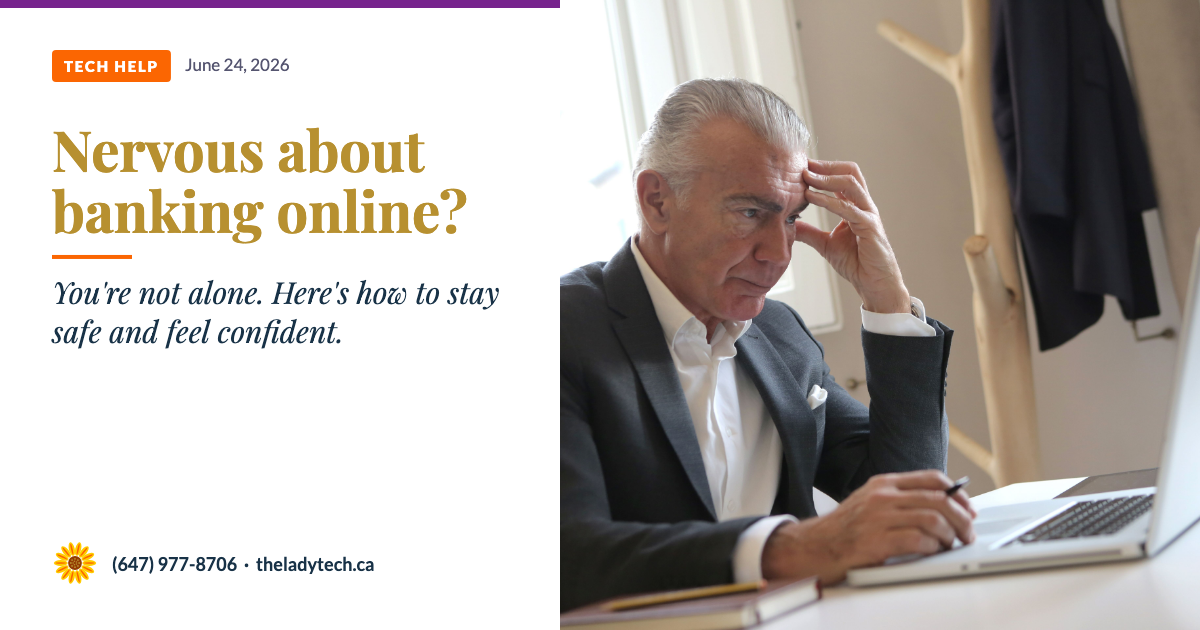
Before anything else — if you bank the old school way, visiting your branch and using a teller with your bank book, that's my recommendation. It's the most secure way to bank. No password to steal, no link to click, no account to hack. If that's how you prefer to do it, keep doing it. This article is not here to convince you to change.
But if you'd like to bank online — or already do and want to feel more confident about it — this article is for you. The most common way people get into trouble isn't because their bank was hacked. It's because they were tricked into sharing information they didn't need to share. Once you know what to watch for, online banking is much less intimidating.
What Makes Online Banking Safe
Here are a few things your bank does behind the scenes to protect you:
- Encryption. When you log in to your bank's browser or app, the connection is encrypted. This means your information is scrambled so that even if someone intercepted it, they couldn't read it.
- Session timeouts. If you leave your banking page open and walk away, the bank will automatically log you out after a few minutes of inactivity.
- Fraud monitoring. Banks watch for unusual activity — like a purchase in a city you've never visited — and will often freeze your card and contact you before any damage is done.
- Deposit insurance. In Canada, eligible deposits at CDIC member institutions are insured up to $100,000 per category. If you bank with a credit union, coverage is provided through your provincial insurer — in Ontario, that's FSRA (Financial Services Regulatory Authority of Ontario). Coverage limits and terms vary, so it's worth checking with your institution directly.
The Most Important Things You Can Do
Always go directly to your bank's website — never click a link in an email
Type your bank's address directly into your browser, or use the official app from the App Store or Google Play. Phishing emails often look exactly like real bank emails — the only safe habit is to never click links in emails, even ones that look legitimate.
Use a strong, unique password for your bank account
Your banking password should be different from every other password you use. If you use the same password everywhere, one leaked account can expose all of them. A password manager can help you keep track without memorizing everything.
Turn on two-factor authentication
Two-factor authentication means that even if someone gets your password, they still can't get into your account without access to your phone. Most Canadian banks offer this — and some require it. It's one of the most effective protections available.
Avoid banking on public Wi-Fi
Public Wi-Fi — in a coffee shop, library, or airport — is not secure. If you need to check your account while out, use your phone's mobile data instead, or wait until you're home on your own network.
Check your statements regularly
You don't need to check every day — but looking at your account once a week means you'll catch anything unusual quickly. The sooner you report a problem to your bank, the better your chances of recovering the funds.
What Your Bank Will Never Ask You to Do
⚠ Watch for these red flags
Your bank will never call you and ask for your full password or PIN.
Your bank will never ask you to transfer money to a "safe account" to protect it from fraud. This is always a scam.
Your bank will never ask you to buy gift cards or deposit cash into a Bitcoin ATM.
Your bank will never send someone to your home to collect your bank card.
If you receive a call like this, hang up and call your bank directly using the number on the back of your card.
And if you ever suspect your account has been accessed without your permission — even if you're not sure — don't wait. Call your bank right away using the number on the back of your card. Banks have fraud teams available around the clock, and the sooner you report it, the more options they have to help you.
A Word About the Bank's App
Many people find their bank's app easier to use than the website — it's designed for a phone screen, and you can often use your fingerprint or face to log in instead of typing a password. If you haven't tried your bank's official app, it's worth asking someone you trust to help you set it up.
✓ A quick way to check if you're on the right site
Look at the URL at the top of your browser. A secure banking site will always start with https:// and the address should match your bank's real name exactly. If anything looks off — extra letters, a different word, or a suspicious domain — close the page immediately.
⚠ Disclaimer
This article is for general information and awareness only and is not a substitute for professional financial or cybersecurity advice. Online banking practices and security features vary by institution. The Lady Tech assumes no liability for outcomes resulting from the application of information in this article. If you believe your account has been compromised, contact your bank immediately. Information was current as of June 24, 2026.